





Global M2M Roaming SIM cards
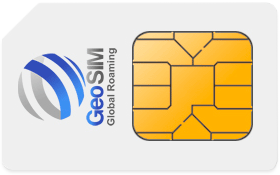
GeoSIM's un-steered, multi-network, global roaming M2M SIM card is designed specifically for your M2M devices. It use all networks and can operate on 2G, 3G and 4G. 5G will be coming soon. It works in Alarms, GPS trackers, pet trackers, remote sensors, control systems and thousands of other M2M applications. Global M2M SIM uses tier one carriers to ensure the best quality connections and reliability for your M2M applications. Choose Global M2M SIM to connect your M2M device with confidence.

Stay connected
Roam on multiple networks
Un-steered M2M SIMs help keep your devices connected by roaming on multiple networks...

Low costs
Low cost bundles to suit your application
We keep things simple. Choose your required bundle and pay a low fixed cost each month.

No contract
No fixed long term contracts
Like pay as you go, but never run out of credit or have your SIM deactivated due to not being used. Maximum coverage with minimum commitment!

Support
Fast technical support
Our dedicated Global M2M SIM support team is ready to solve any query or issue you may have with your M2M SIM...
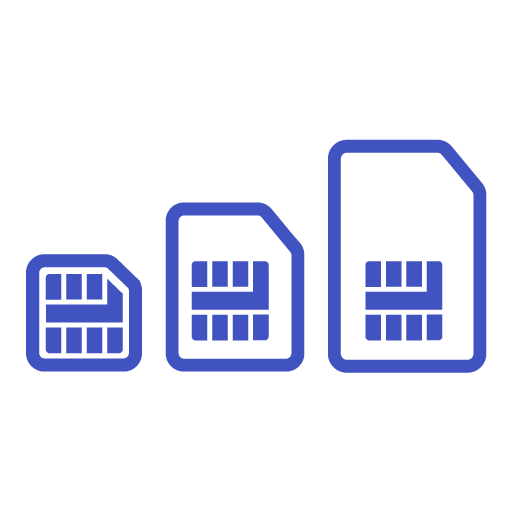
Three Sizes
Standard, Micro and Nano SIM size
Each SIM comes as a “triple cut” SIM and includes a standard (2FF), Micro SIM (3FF) and Nano SIM (4ff) sizes. Just press out the size you need...

Simple Set UP
One APN
Setting up your M2M device could not be simpler. No proxy servers, usernames, passwords or SMS service centre numbers...
What our customers say

We have been working with GeoSIM for a while. The support we have received has always been excellent and timely. We would recommend GeoSIM to any company who needs a reliable M2M SIM card provider for their application or M2M device.
Dave ( Marketing Manager )
We use GeoSIM M2M sim cards in our GPS fleet tracking service. Our trackers are used in vehicles all over southern Europe and prove to be reliable and cost effective.
Fotis ( Technical Director - iTrack )These companies use GeoSIM to Power their devices